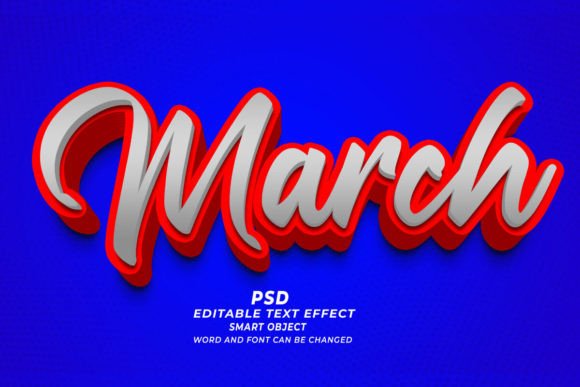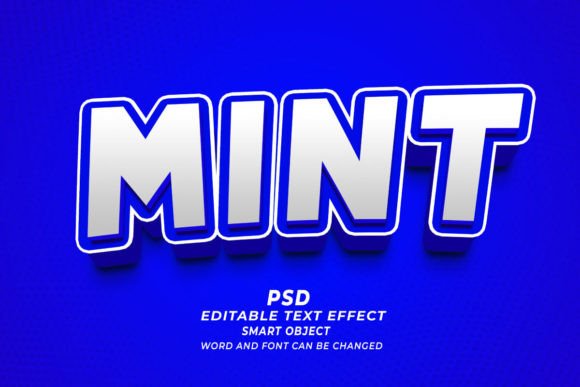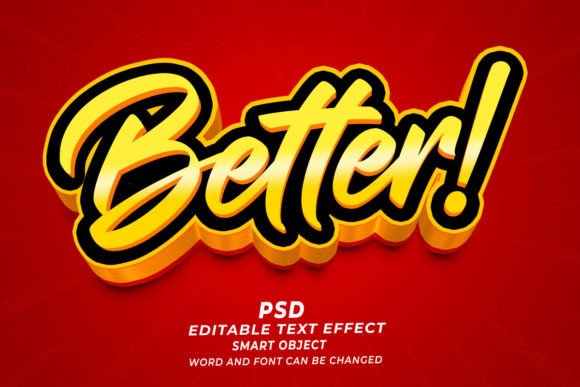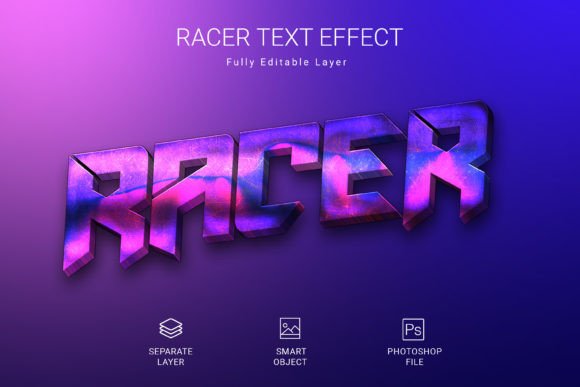
Mastering the Molly PSD 3D Editable Text Effect for Professional Design Results
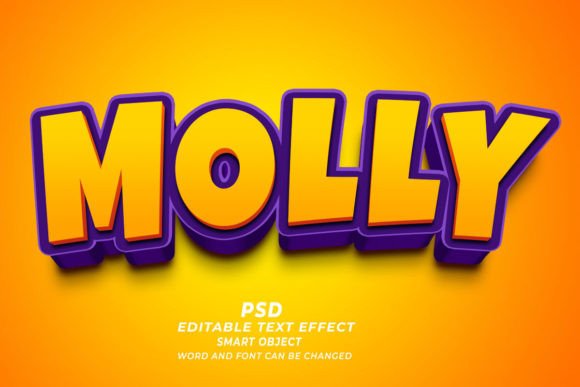
In the fast-paced world of digital design, efficiency is often just as valuable as creativity. Whether you are a seasoned graphic designer, a small business owner managing your own branding, or a content creator looking to elevate your visual presence, the tools you choose can make or break your workflow. One resource that has gained significant traction for its versatility and ease of use is the Molly PSD 3D Editable Text Effect. This tool promises high-quality, three-dimensional typography without the steep learning curve typically associated with 3D modeling software. However, simply downloading a template is not enough to guarantee professional results. Many users stumble over common pitfalls that diminish the quality of their final output.
Understanding how to properly utilize this Photoshop editable text effect requires more than just clicking and typing. It demands an awareness of resolution, font compatibility, and intended use cases. By addressing these overlooked details, you can ensure that your designs remain crisp, compelling, and commercially viable across various platforms.
The Misconception of "One-Size-Fits-All" Resolution
A frequent mistake beginners make when working with any PSD text effect, including the Molly variant, is ignoring the resolution settings before they begin editing. The product specifications often highlight a high resolution of 300 DPI (dots per inch), which is the gold standard for print materials. However, many users open the file and immediately start designing for web banners or social media posts without adjusting their canvas size or understanding the difference between screen and print resolution.
If you intend to use this effect for Print on Demand (POD) products, such as T-shirts or mugs, maintaining that 300 DPI is non-negotiable. A common error is scaling up a low-resolution preview image instead of working within the actual smart object layers. This leads to pixelated, blurry text that looks unprofessional and can result in rejected files from printing services. Conversely, if you are creating a web banner, a 300 DPI file might be unnecessarily large, slowing down your website’s load times. The better approach is to determine your end goal first. If it is for KDP book covers or marketing flyers, keep the resolution high. If it is for digital ads, consider resizing the canvas to 72 DPI after finalizing your design to optimize file size without sacrificing visual clarity on screens.
Overlooking Font Compatibility and Licensing
The Molly PSD 3D Editable Text Effect is designed to be flexible, allowing users to change words, fonts, and sizes easily. Yet, a critical oversight occurs when designers replace the default text with a font that is not installed on their system or lacks the necessary commercial license. When you open the smart object to edit the text, Photoshop will substitute missing fonts with a default typeface, often ruining the 3D perspective and lighting effects that were carefully crafted in the original template.
This issue affects both usability and legal compliance. Using a copyrighted font for a commercial project, such as a client’s logo or a product you plan to sell on Etsy, can lead to serious legal repercussions. To avoid this, always check the font requirements listed in the download package. If a specific font is recommended, ensure you have it installed. If you choose to swap it for a different style, verify that the new font supports the weight and style needed to interact correctly with the 3D shadows and highlights. A practical tip is to stick to bold, sans-serif fonts for 3D effects, as thin or script fonts may lose detail when extruded or shadowed.
Neglecting the Power of Smart Objects
The core feature of this PSD file is its reliance on smart objects. This technology allows for non-destructive editing, meaning you can change the text repeatedly without degrading the image quality. However, many users bypass this feature by rasterizing layers prematurely. Once a layer is rasterized, it becomes a flat image. You can no longer edit the text, adjust the font size, or correct typos without starting over. This mistake drastically reduces efficiency and increases frustration, especially when clients request last-minute changes.
To maximize the utility of the Molly PSD 3D Editable Text Effect, always double-click the smart object thumbnail to open it in a new tab. Make your text changes there, save, and close the window. The main document will update automatically. This workflow ensures that your text remains sharp and editable at any stage of the design process. It also allows you to experiment with different phrases or shapes without fear of ruining the original structure. Remember, the smart object is your safety net; treat it with care.
Ignoring Contextual Application
Another area where designers often fall short is failing to adapt the 3D effect to its specific context. The Molly text effect is versatile, suitable for website headers, web banners, print templates, and even merchandise. However, applying the same intense 3D styling to every project can lead to visual clutter. For instance, a heavily shadowed, bright 3D text might look fantastic on a dark-themed gaming banner but could be unreadable on a minimalist corporate brochure.
Before finalizing your design, consider the background and the surrounding elements. If the text is meant to stand out on a busy image, you may need to adjust the opacity or add a subtle glow to enhance readability. For T-shirt designs, ensure that the 3D effect translates well to fabric printing methods, which may not capture fine gradients as effectively as digital screens. Testing your design in its intended environment is crucial. Print a small proof if possible, or view your web banner on multiple devices to ensure the 3D effect enhances rather than distracts from the message.
Final Checks Before Exporting
Before you consider your project complete, take a moment to review the technical details. Zoom in to 100% to check for any jagged edges or artifacts around the text. Ensure that all layers are properly named and organized if you are handing off the file to a colleague or client. If you are using the design for commercial purposes, such as a KDP book cover, double-check the dimensions against the publisher’s guidelines. A slight mismatch in spine width or bleed area can cause rejection, delaying your launch.
By avoiding these common mistakes—ignoring resolution, overlooking font licenses, misusing smart objects, and neglecting contextual adaptation—you can fully leverage the potential of the Molly PSD 3D Editable Text Effect. This tool is not just a shortcut; it is a foundation for high-quality design when used with intention and precision. Whether you are creating marketing materials, personal projects, or commercial products, attention to these details will elevate your work from amateur to professional, ensuring satisfaction for both you and your audience.